
Electronic financial services for international business are the perfect alternative to traditional banks. For companies conducting business with foreign partners, as well as for freelancers, the most advantageous solution is to open accounts with payment systems such as Wise, Payoneer, and Paysera. A consultation with specialists from the international law firm Maira Consult will help you learn how to set up payments for services via Wise, Payoneer, or Paysera, hold foreign currency, and accept transactions from abroad.
Wise, Payoneer, and Paysera are the best services, according to the financial press. Wise is recommended for those who value using an average exchange rate and making transactions with low fees. Payoneer is indispensable for large trading platforms, marketplaces, and international exchanges. Payment for services via Paysera should be used by those whose business involves transactions in euros.
Each e-money system has its own unique capabilities, making it suitable for specific commercial purposes. Maira Consult’s expert assessment of the features of each digital platform makes it easy to select the optimal solution for making digital transfers.
Comparison Criteria | Wise | Payoneer | Paysera |
Country of Origin | British service | U.S. portal | Lithuanian platform |
Exchange rates, fees |
|
|
|
Currency support | 53 currencies. | More than 80 currencies. | About 30 currencies. The best terms for transactions in euros. |
Purpose | Suitable for paying for services via Wise from any bank worldwide. Funds can be received from the European Union, Australia, the U.S., and the U.K. | Paying for services via Payoneer is a cost-effective option when settling accounts with IT companies worldwide and withdrawing funds to a card. | Recommended for use when working with European counterparties. |
Advantages | Support for payments via the SWIFT system. Account management via the app (for iOS and Android). | Issuance of a Mastercard plastic card for each currency with the ability to withdraw cash at ATMs. Simple account management and a smartphone app. | Assignment of an IBAN account for international payments. Free issuance of a Visa card. Instant transfers displayed in the mobile app. |
The optional and functional features of payment systems allow you to choose the financial tool that best suits your business needs and helps you manage your finances.
How to set up payments for services via Wise
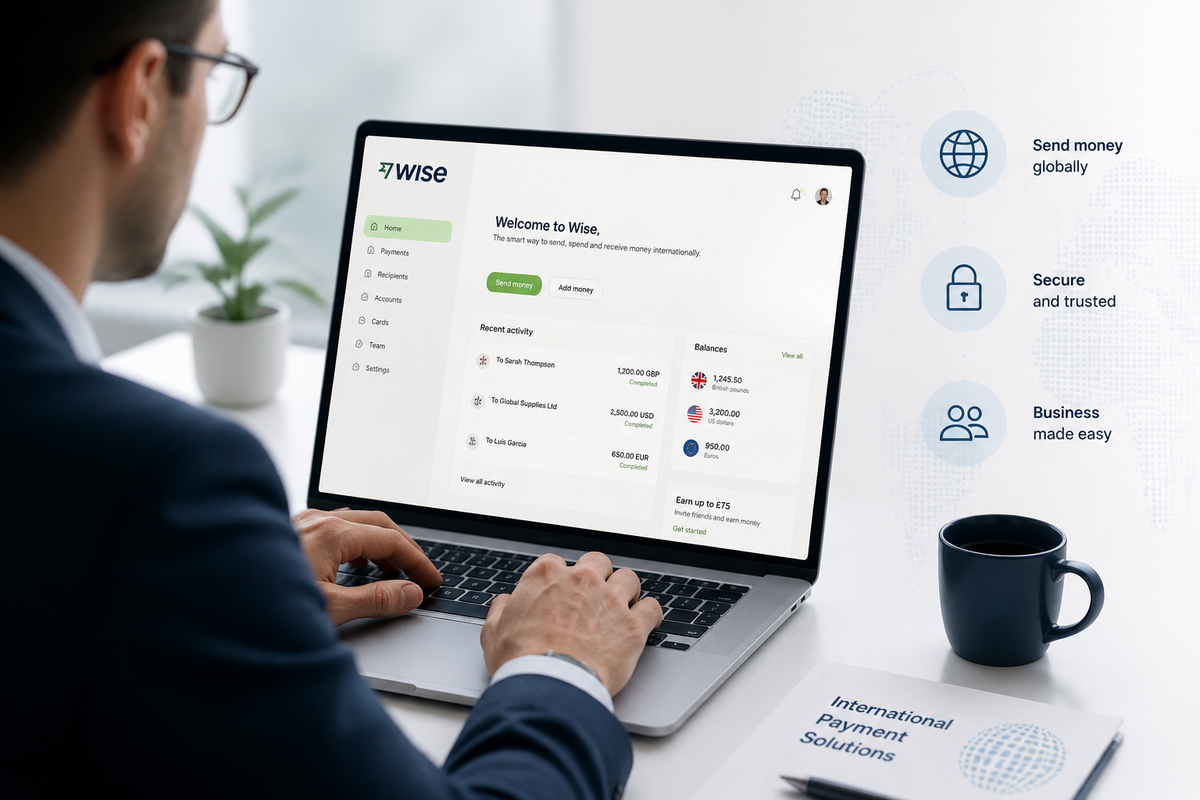
Before setting up service payments via Wise, you must complete the following steps:
Open an account (takes about 60 minutes).
Business profile verification and KYC identification (takes up to 7 business days).
To activate your account and request payment details for receiving funds via international transactions, a fee of 19 € is required.
Ways to set up payments for services via Wise
There are three options for making payments for services.
Using account details
On the payment system’s platform or in the mobile app, use the “Send Money” option to enter the required amount, select the currency, and enter the bank account details.
Using a physical card
In the Wise customer dashboard, you can request a physical card or its equivalent—a virtual card—which can be linked to your smartphone’s digital wallet to make contact or contactless payments.
Setting up recurring payments
When selecting the “Recurring Payments” option in the “Account Management” menu, you must specify the recipient’s account, the amount, and either the date or the frequency of withdrawals from your Wise balance.
Before setting up service payments through Wise, it’s important to consider the risks of your account being frozen. Funds may be blocked if a transaction is flagged as fraudulent, if you fail to provide documents requested by the payment system, or if the source of the funds is questionable.
How to Set Up Service Payments via Payoneer

To register and gain access to a Payoneer account, use the official website of the international payment platform. Before setting up payments for services via Payoneer, the customer must undergo KYC verification—identification and verification of an individual (for a personal profile) or a company (for a corporate profile). The document review process requires providing passport details and the individual’s residential address, or the company director’s passport and the company’s legal address.
For companies planning to use Payoneer to receive international payments, it is important to correctly complete the businessaccount and prepare the necessary documents for verification. For more details on how to register a Payoneer business account on your own, read our article "Free Payoneer for Business: How to Register a Business Account on Your Own".
An active card used for transactions incurs a $29.95 fee.
Options for setting up service payments via Payoneer
To accept a payment from a client, the system offers the following steps:
In the menu, click the "Receive" button to select the "Request Payment" section, where you’ll need to fill in the fields for the client’s details, the amount, and the purpose of the transfer.
To automatically accept payments, you can connect Payoneer in your trading platform profile and set it as your primary payment method.
To make a payment, select “Pay” from the menu, then enter the recipient’s (contractor’s or counterparty’s) email address and the payment amount. Funds can be debited from a linked card or directly from your e-wallet balance.
The Payoneer payment system strictly monitors customers and transactions. In the event of suspicious transfers, accounts may be blocked. If contracts and invoices are requested and you fail to submit the documents, your account may be frozen.
How to set up payments for services via Paysera

You can create a Paysera account and payment account in the official app. The registration process includes:
Providing a valid phone number and country of residence.
Completing KYC verification (filling out a form, providing a scanned copy or photo of your passport, and completing a video identity verification).
Assignment of an IBAN.
For business customers, the monthly fee for using the Paysera payment service is up to €20.
Steps for paying for services via Paysera
Transactions are processed using the menu in the business user’s personal account. In the "Account Settings" section, the "Service Management" option is responsible for paying for services via Paysera. The "Collect Online Payments" button allows you to create a solution for a web page, website, or online store that integrates with the merchant platform via a plugin.
Enhanced security measures in the payment system often result in restrictions related to transfers from third-party accounts. When making or receiving non-standard transactions, the platform may charge additional fees.
Signing up with Wise, Payoneer, or Paysera is a smart choice that helps you save money on low-cost transfers and fair exchange rates. Payment systems, as a full-fledged alternative to traditional banks, allow you to make fast transactions, deposit funds, and keep them in your accounts. When choosing digital platforms, it’s important to know how to set up payments for services via Payoneer, Wise, or Paysera—and lawyers at Maira Consult.